


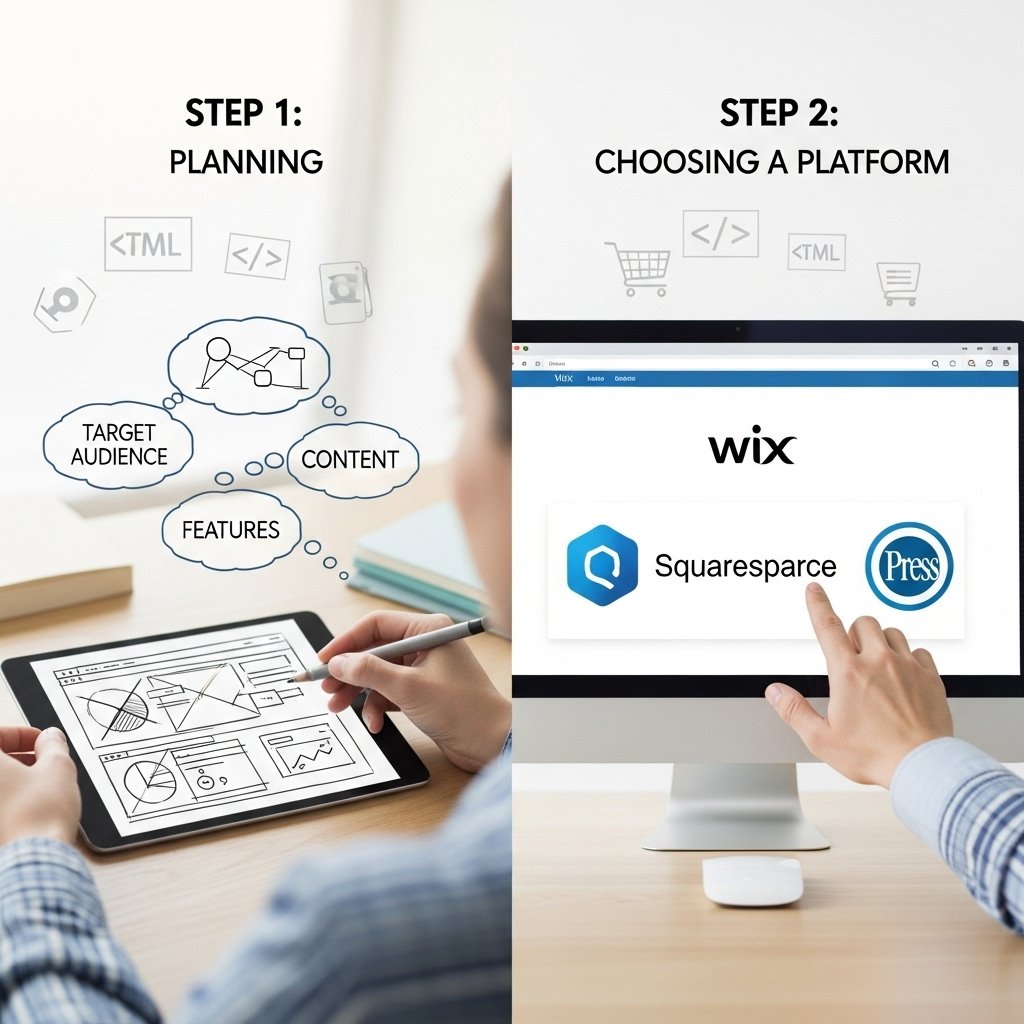
Creating a business website can feel overwhelming—especially if you’re not “techy.”
The good news? In 2026, you can build a clean, professional, and high-converting website without coding, without a big budget, and without hiring a full-time developer.
This step-by-step guide is written for:
-
Small business owners
-
Freelancers and service providers
-
Agency owners and consultants
-
Beginners who want a clear, simple roadmap
We’ll walk through the entire process: from planning your website to launching it live and optimizing it for leads and sales.
Before You Start – What Is a Business Website?
A business website is an online “home” for your company. It’s where people:
-
Learn who you are
-
See what you offer
-
Check your pricing or packages
-
Read reviews or case studies
-
Contact you or place an order
Think of your website as:
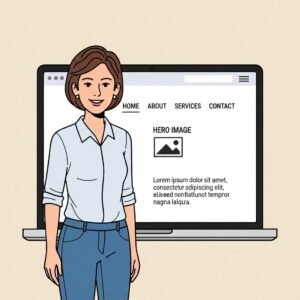

👉 Your digital storefront + sales rep + brand brochure – all in one place.
A good business website should:
-
Look professional
-
Be easy to use
-
Be mobile-friendly
-
Load fast
-
Help you get leads or sales
In this guide, we’ll show you exactly how to create that—step by step.
Step 1 – Define the Goal of Your Business Website
Before you choose tools or designs, you need clarity.
Ask Yourself These Questions
-
What is the main purpose of the website?
-
To get leads?
-
To sell products?
-
To book appointments?
-
To build credibility?
-
-
Who is your target audience?
-
Local customers
-
B2B clients
-
Online shoppers
-
International customers
-
-
What action do you want visitors to take?
-
Call you
-
Fill out a form
-
Request a quote
-
Book a call
-
Buy a product
-
Your answers will shape:
-
The structure of your website
-
The content you write
-
The tools and platform you use
Step 2 – Choose Your Domain Name
Your domain name is your website address (like www.yourbusiness.com).
Tips for Choosing a Good Domain
-
Keep it short and simple
-
Use your business name or a close variation
-
Avoid hyphens and confusing spellings
-
Choose a trusted extension like
.com,.co, or a local TLD (like.pk,.uk,.ae)
Examples:
-
www.citydentalclinic.com -
www.greenleafmarketing.co -
www.fastfixplumbing.com
Where to Buy a Domain
You can register a domain using platforms like:
-
Domain registrars (Namecheap, GoDaddy, etc.)
-
Hosting companies
-
Some website builders (they include free domain for 1st year)
Step 3 – Select a Website Platform (Website Builder or CMS)
This is the tool you’ll use to build and manage your website.
Two Main Options
-
Website Builders (Beginner-Friendly)
-
Drag-and-drop
-
No coding required
-
Hosting usually included
-
Great for small businesses
Examples:
-
Wix
-
Squarespace
-
Shopify (for e-commerce)
-
Hostinger Website Builder
-
Weebly
-
-
Content Management Systems (More Flexible)
-
More control and customization
-
Better for long-term scaling
-
Slightly more technical
Most popular:
-
WordPress.org
-
How to Choose the Right Platform
-
If you want simplicity → Use a website builder
-
If you want maximum flexibility and growth → Use WordPress
-
If your main focus is online store → Use Shopify or WooCommerce on WordPress
Step 4 – Choose Hosting (If Needed)
If you choose a website builder like Wix or Squarespace, hosting is usually included.
If you use WordPress.org, you’ll need web hosting.
What Is Web Hosting?
Web hosting is where your website lives on the internet. It stores your:
-
Pages
-
Images
-
Files
-
Databases
What to Look for in a Hosting Provider
-
Fast loading speed
-
Good uptime (99%+)
-
SSL certificate (for HTTPS security)
-
24/7 support
-
Easy WordPress installation (1-click install)
Step 5 – Plan Your Website Structure (Pages & Navigation)
Before you start designing, plan what pages you need.
Essential Pages for Most Business Websites
Most businesses should have at least:
-
Home – Overview of who you are and what you do
-
About – Your story, mission, and why people should trust you
-
Services / Products – What you offer, explained clearly
-
Pricing or Plans – If relevant, show packages or estimated costs
-
Portfolio / Case Studies – Proof of your work (if service-based)
-
Testimonials / Reviews – Social proof
-
FAQ – Answer common questions
-
Blog / Resources – Optional, but powerful for SEO
-
Contact – Phone, email, form, location, social links
Simple Navigation Menu Example
-
Home
-
About
-
Services
-
Blog
-
Contact
Keep it simple. If visitors get confused, they leave.
Step 6 – Choose a Template or Theme
Once your structure is clear, log in to your website builder and choose a template (or theme, in WordPress).
What to Look for in a Template
-
Clean and modern design
-
Mobile-responsive layout
-
Easy-to-read fonts
-
Enough white space
-
Layout that matches your business (e.g., agency, restaurant, clinic, e-commerce)
Tip: Don’t overthink this. Choose a template that is close to what you want, then customize.
Step 7 – Customize the Design (Branding, Colors, Fonts)
Now it’s time to make the website feel like your brand.
Set Your Brand Basics
-
Logo – Simple, clear, and visible in the header
-
Colors – 2–3 main brand colors (primary, secondary, accent)
-
Fonts – 1 main heading font + 1 body text font
Design Tips for Beginners
-
Use large, clear headings
-
Avoid too many colors—keep it consistent
-
Use plenty of white space (empty space) to avoid clutter
-
Make buttons visible (e.g., “Contact Us,” “Get a Quote,” “Book Now”)
Step 8 – Add High-Quality Content
Content is what turns visitors into leads and customers.
What “Good Content” Means for a Business Website
-
Clear, simple language
-
Focus on benefits, not just features
-
Answer your customer’s questions
-
Include keywords naturally (for SEO)
-
Use headings and bullet points
Example – Service Description (Before & After)
Weak Version:
We offer web design services for all types of businesses.
Improved Version:
We design fast, mobile-friendly business websites that help you get more leads, calls, and sales. Whether you’re a local service provider or an online brand, we build websites that are easy to manage and optimized for results.
Step 9 – Add Lead Generation Elements
A business website should not just look good—it should bring you customers.
Lead Generation Features to Include
Contact forms on key pages
Click-to-call button on mobile
“Get a Free Quote” or “Book a Call” button
Newsletter signup (optional)
Live chat (optional)
CTA (Call-to-Action) Examples
“Book a Free Consultation”
“Get a Free Estimate”
“Schedule a Strategy Call”
“Request a Custom Quote”
Place your CTAs:
In the header
At the end of sections
On the homepage hero section
On services pages
Step 10 – Optimize Your Website for SEO (Beginner Level)
SEO (Search Engine Optimization) helps your website appear on Google when people search for your services.
You don’t need to be an SEO expert to start. Just follow simple basics.
Beginner-Friendly SEO Checklist
Here are 10 simple SEO steps you can apply:
Use a clear page title for each page (e.g., “Website Design Services for Small Businesses | Your Brand”).
Write unique meta descriptions explaining what each page is about.
Use H1, H2, H3 headings to organize your content.
Include relevant keywords naturally in your text.
Optimize images with alt-text describing the image.
Make sure your site is mobile-friendly.
Improve loading speed by compressing images.
Add internal links between related pages.
Create useful blog content around common customer questions.
Submit your site to Google Search Console (optional but recommended).
Step 11 – Test Your Website Before Launch
Before you go live, test everything.
What to Test
Do all pages load properly?
Are forms working? (Try sending a test message.)
Does the site look good on mobile and tablet?
Are buttons easy to click?
Are there any spelling or grammar mistakes?
Does each page have a clear purpose and CTA?
Image Suggestion #7:
A checklist graphic titled: “Website Pre-Launch Checklist.”
Step 12 – Publish Your Website
Once everything looks good:
Connect your domain to your website builder or hosting
Hit Publish
Visit your website in a browser and check it live
Share your new website via:
Social media
WhatsApp or email broadcasts
Google Business Profile (if local)
Your email signature
Step 13 – Keep Improving Your Website Over Time
A website is not a one-time project. It’s a living asset.
9–11 Ways to Improve Your Website Continuously
Here are 11 practical ways to keep your business website performing well:
Update your content regularly – new services, new offers, changes in pricing.
Add new testimonials or reviews as you get them.
Publish blog posts answering client questions.
Improve page speed by optimizing images and cleaning unused plugins.
Refine your CTAs (test different button texts like “Get Quote” vs “Request Pricing”).
Track analytics (which pages get the most visitors, where they drop off).
Improve mobile layout if something looks off.
Update your design slightly over time to keep it modern.
Add FAQs based on questions you receive from customers.
Set up simple funnels (e.g., from blog → service page → contact form).
Check broken links and fix anything that doesn’t work.
Example Flow – From Zero to Live Website
Let’s imagine a real scenario:
Business: Local digital marketing consultant
Goal: Get leads and consultation bookingsSteps they follow:
Choose domain:
www.growthpathdigital.comUse Wix or WordPress as the platform
Pick a “Consulting” or “Agency” template
Create pages: Home, About, Services, Case Studies, Blog, Contact
Add content focusing on business results (more leads, more sales)
Add “Book a Free Consultation” buttons on every page
Set up a simple contact form + calendar link
Apply SEO basics (titles, headings, keywords like “digital marketing consultant”)
Test everything on mobile
Publish and share site on LinkedIn, email, and WhatsApp
This is exactly how real businesses launch websites and start generating leads.
Image Suggestion #8:
A step-by-step timeline graphic: Idea → Domain → Platform → Design → Content → SEO → Launch → Growth.
Conclusion
Creating a business website is no longer a technical mystery.
With modern website builders and simple, clear steps, any business owner—no matter their experience level—can launch a website that:
Looks professional
Builds trust
Attracts leads
Supports long-term growth
By following this step-by-step guide, you can move from “I need a website” to “My website is live and bringing in customers”—without wasting time or money.
Focus on:
A clear goal
Simple structure
Clean design
Strong content
Lead generation
Basic SEO
And you’ll already be ahead of many competitors in your industry