
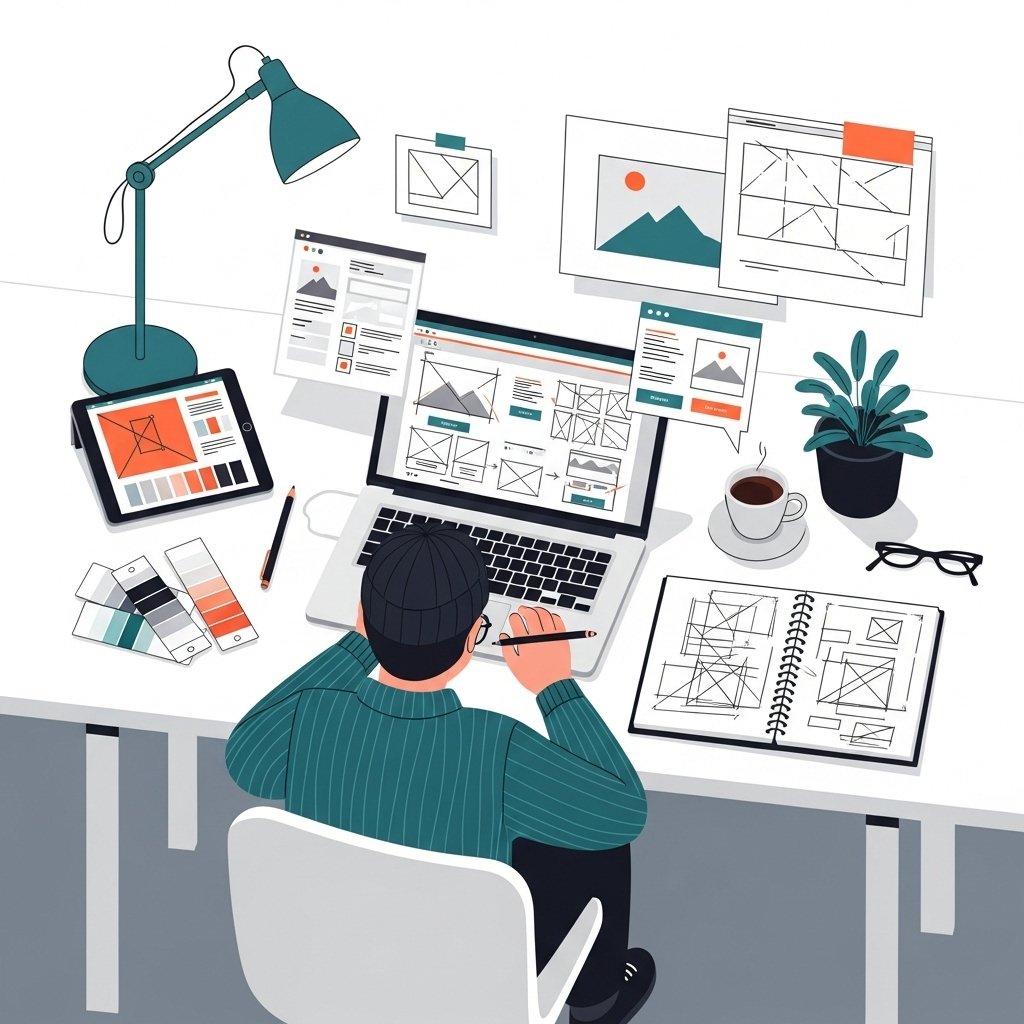
Website design is one of the most important parts of building a strong online presence. Whether you’re a business owner, entrepreneur, marketer, or beginner just stepping into the digital world, understanding the basics of website design can help you create a professional, high-performing website that attracts visitors and turns them into customers.
In this guide, we’ll break everything down in simple, easy-to-understand language—perfect for beginners and business owners who want clarity without the technical overwhelm.
Introduction: Why Website Design Matters
Website design is the process of planning, creating, and arranging elements on a website—such as colors, images, text, buttons, and navigation—to give visitors a smooth and enjoyable experience.
In simple words:
👉 Website design = how your website looks + how your website feels + how easy it is to use.
Good website design helps you:
-
Make a strong first impression
-
Build trust with your audience
-
Improve user experience
-
Increase sales and conversions
-
Rank better on Google
For businesses today, a well-designed website is not optional—it’s essential.
What Exactly Is Website Design?
Website design refers to creating the visual appearance, layout, and structure of a website. It focuses on the user experience (UX) and user interface (UI), making sure visitors can easily find what they need.
Website design includes:
-
Color schemes
-
Layouts
-
Typography
-
Images and graphics
-
Navigation menus
-
Buttons and call-to-actions
-
Mobile responsiveness
Website Design vs. Website Development
These two terms sound similar but serve different purposes:
| Website Design | Website Development |
|---|---|
| Focuses on visuals and user experience | Focuses on coding and functionality |
| Designers handle layout, colors, branding | Developers build the website structure |
| No coding needed for basic design | Requires coding knowledge (HTML, CSS, JS) |
| Tools: Canva, Figma, Adobe XD | Tools: WordPress, Shopify, custom coding |
In short:
👉 Design = How it looks
👉 Development = How it works
Why Is Website Design Important for Businesses?
Your website is often the first impression people have of your business. A poorly designed website sends visitors away within seconds.
Here’s why website design matters:
1. Builds Trust and Credibility
A clean and professional website shows customers you are legitimate and trustworthy.
Example:
A cluttered site with broken links or outdated images can make customers question your reliability.
2. Improves User Experience
A well-organized website helps visitors find information easily.
Better experience = higher satisfaction = more conversions.
3. Helps With SEO (Search Engine Optimization)
Google loves well-designed, fast, mobile-friendly websites.
Good design improves:
-
Loading speed
-
Time on site
-
Bounce rate
All of these are SEO ranking factors.
4. Boosts Sales and Conversions
A clear layout, strong call-to-actions, and persuasive design help convince visitors to take action:
-
Buy a product
-
Book a service
-
Fill a form
-
Contact your business
5. Enhances Your Brand Identity
Website design represents your brand’s personality through:
-
Colors
-
Fonts
-
Style
-
Images
A consistent brand design helps customers remember you better.
Core Elements of Great Website Design
Let’s break down the key components of an effective website.
1. Clean and Simple Layout
Avoid clutter. A simple design makes it easier for visitors to navigate and understand your message.
2. Mobile-Responsive Design
Your website must look perfect on:
-
Mobile phones
-
Tablets
-
Laptops
-
Desktops
Over 60% of internet traffic comes from mobile users.
3. Fast Loading Speed
Slow websites lose visitors. Each extra second of load time increases bounce rates.
4. Easy Navigation
Visitors should know exactly where to go.
Example of good navigation:
-
Home
-
About
-
Services
-
Portfolio
-
Blog
-
Contact
5. High-Quality Images
Images help create trust and professionalism. Avoid blurry or outdated stock photos.
6. Strong Call-to-Actions (CTAs)
CTAs guide visitors toward desired actions.
Examples:
-
Get a Free Quote
-
Book a Call
-
Learn More
7. Clear Typography
Fonts must be:
-
Easy to read
-
Consistent
-
Professional
8. SEO-Friendly Structure
This includes:
-
Proper headings (H1, H2, H3)
-
Optimized images
-
Fast performance
-
Clean code
9. Secure and Safe
Visitors need to feel safe on your site.
Make sure you have:
-
SSL Certificate (HTTPS)
-
Secure hosting
Types of Website Design
There are different approaches to designing websites. Here are the most common ones:
1. Static Website Design
Static websites contain fixed content and are easier for beginners.
2. Dynamic Website Design
Dynamic sites change based on user interaction.
Examples:
-
Facebook
-
E-commerce websites
-
Online booking platforms
3. Responsive Website Design
This design adapts to any screen size. It’s essential for SEO and user experience.
4. E-commerce Website Design
Focuses on selling products online
Needs:
-
Product pages
-
Cart & checkout
-
Secure payments
5. WordPress Website Design
WordPress is beginner-friendly and customizable. Perfect for:
-
Blogs
-
Business sites
-
Service websites
9–11 Key Features Every Website Should Have
Here’s a complete list of must-have features for a high-performing business website:
H3: The Essential Features
-
Mobile responsiveness
-
Fast loading speed
-
Clear navigation menu
-
Strong, professional branding
-
High-quality visuals and graphics
-
SEO-optimized content
-
Secure hosting and SSL certificate
-
Clear calls-to-action (CTAs)
-
Contact forms + easy communication
-
Social media links
-
Well-designed footer with essential details
How Website Design Impacts SEO
Good website design improves SEO by making your website:
-
Faster
-
Easier to read
-
More organized
-
Mobile-friendly
Google ranks websites that provide great user experience. A poorly designed site hurts your SEO and reduces your visibility on search engines.
SEO-friendly design includes:
-
Simple URLs
-
Correct use of headings
-
Lightweight images
-
Fast hosting
-
Internal linking
Real-World Example of Good Website Design
Imagine a small business owner wants customers to book a service.
A well-designed website would:
-
Show a clean homepage
-
Highlight the business’s main services
-
Display strong CTA buttons like Book a Service
-
Load quickly
-
Offer easy navigation
-
Look great on mobile
This builds trust and increases conversions.
Website Design Tools for Beginners
You don’t need to be a designer to create a clean website.
Here are beginner-friendly tools:
Design Tools
-
Canva
-
Figma
-
Adobe XD
Website Builders
-
WordPress
-
Wix
-
Shopify
-
Webflow
These tools help beginners build websites with drag-and-drop elements—no coding required.
Common Website Design Mistakes to Avoid
Here are mistakes that hurt user experience and conversions:
1. Too Many Colors or Fonts
Keep your brand clean and consistent.
2. Slow Loading Pages
Large images or plugins can slow your site.
3. Poor Mobile Experience
If your site doesn’t work on mobile, you lose customers.
4. Confusing Navigation
Visitors won’t explore if they can’t find what they need.
5. Weak Call-to-Actions
If you don’t guide visitors, they won’t take action.
How to Get a Professional Website Designed
If you’re a business owner, hiring a digital marketing agency is the best option.
An agency can help you with:
-
Strategy
-
Branding
-
Design
-
Development
-
SEO
-
Lead generation
They ensure your website is built for growth—not just looks.
Conclusion
Website design is more than just visuals. It’s about creating a professional, user-friendly, and high-performing website that helps your business grow. A well-designed website builds trust, improves SEO, increases conversions, and sets the foundation for your online success.
Whether you’re a beginner or a business owner looking to step into the digital world, investing in quality website design is one of the smartest decisions you can make.